
You have a voicebot that works beautifully in the demo. Now you put it on a real contact center call, and suddenly the caller interrupts it, the CRM takes three seconds to respond, an API fails, and the bot has no clear way to hand the conversation to an agent. Your AI is working. Your deployment isn’t.
You start looking for answers and find plenty about conversational AI use cases, voicebot features, and customer-service automation. But very little tells you what needs to happen between choosing the voicebot and putting it on live calls.
That is where the real deployment work begins: your telephony, IVR, integrations, call flows, escalation paths, and testing all have to work together. Whether you are evaluating AI agent development services or building your own solution, the challenge is making every layer work reliably in production.
This guide focuses on that part, so you can plan your voicebot for call center deployment around the problems that show up after the demo ends.
But before you put your voicebot contact center on live calls, is your contact center infrastructure ready to support it?
How to Prepare Your Voicebot Contact Center for Deployment?
Before connecting your voicebot, look at what already carries your calls. Your AI adoption framework for real-time communication should account for your telephony, routing, CRM, and backend systems. These determine how smoothly your bot performs in production.
- Assess Your Contact Center Infrastructure
Start by mapping how a customer call reaches your agents today. Identify your PBX, SIP trunks, call queues, IVR, and routing rules before introducing another layer.
Your voicebot contact center needs a reliable path into this environment. If your SIP setup, call routing, or media handling adds delays or breaks unexpectedly, even a capable bot can deliver a poor experience.
You should also decide where the bot enters your call flow. It might handle every inbound call, selected queues, or only specific customer requests.
- Map Required System Integrations
A voicebot cannot resolve many customer requests from conversation alone. Your bot may need to retrieve customer records, check an order, create a ticket, or trigger an action through your existing systems.
Map every system the bot will need to reach, including your:
- CRM and customer database
- Knowledge base
- Ticketing or support platform
- Business applications
- APIs and authentication services
Then define what information the bot can read, update, or trigger in each system.
This gives you a clearer picture of what your voicebot contact center deployment actually requires before integrating AI in contact centers.
Your AI is only one part of the call path. Your existing infrastructure decides how well the rest of that path works.
So, how will your voicebot fit into your existing call flow?
How to Integrate a Voicebot With Your Existing Contact Center
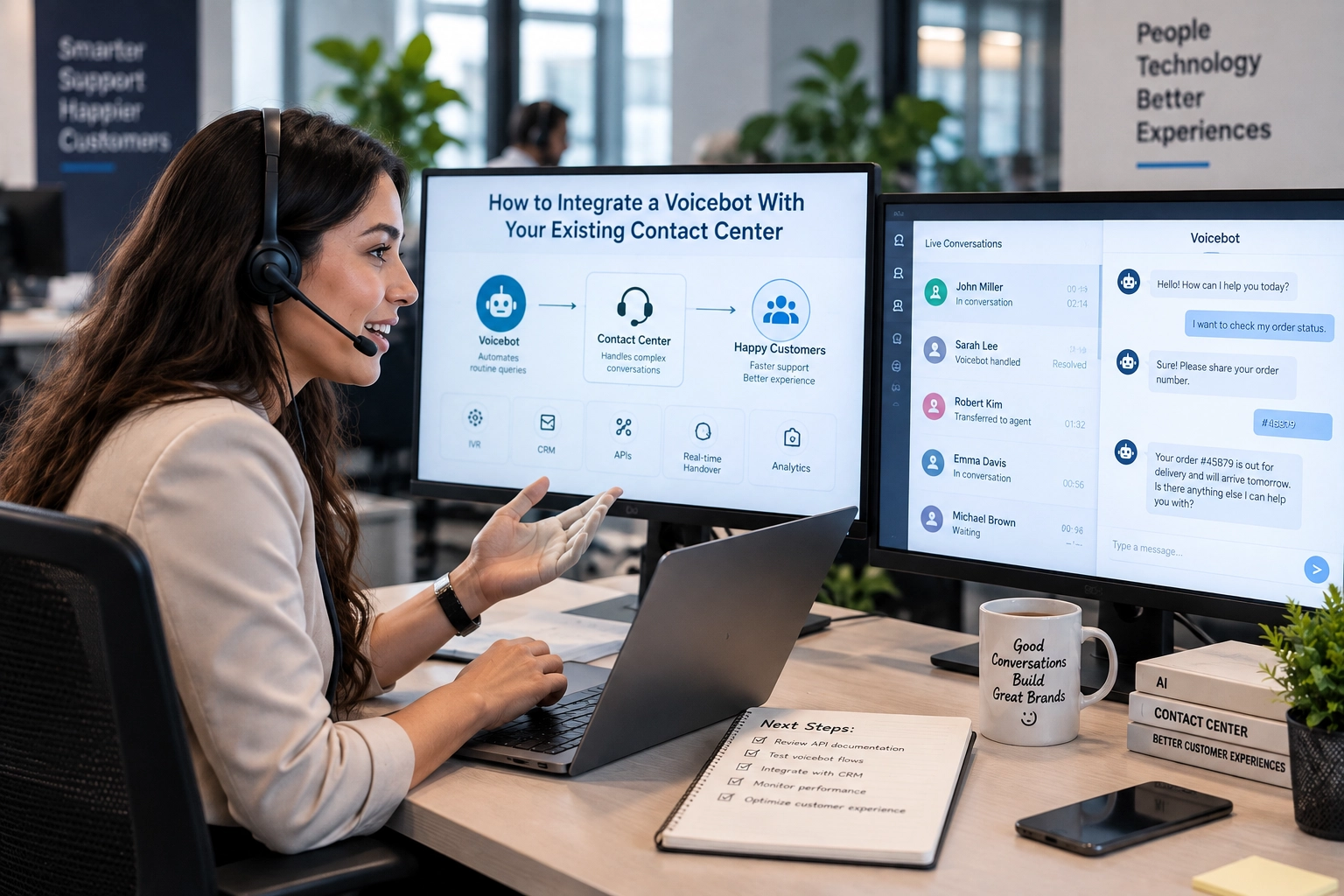
Integrate a voicebot call center solution with your existing contact center by connecting your telephony, call routing, AI services, CRM, APIs, and agent workflows through a coordinated call flow. An AI Voice agent agency can help bring these layers together without requiring you to rebuild your existing communication infrastructure.
A typical flow looks like this:
Customer → Telephony → Voicebot → AI services → Business systems → Response or agent
This becomes especially important when you are evaluating AI voicebot enterprise telephony, where the voicebot must work reliably across your existing communication and business systems.
Your exact architecture will depend on your existing stack, call volume, and the actions your voicebot needs to perform.
1. Voicebot and Telephony Integration
Your first priority is establishing a reliable connection between your voicebot and telephony environment. SIP, PBX, VoIP infrastructure, or your CCaaS platform can determine how calls reach the bot and how audio moves through the system.
You also need to account for latency, call routing, media handling, and failover. A small delay may feel insignificant in an API request, but during a conversation, it can make the bot feel slow or unresponsive.
2. Voicebot IVR Integration
You do not always need to replace your existing IVR. Your voicebot can work alongside it, behind it, or become the primary conversational layer.
If your existing setup needs more tailored connectivity, a custom AI voicebot connector for IVR can help bridge the voicebot with your current call flows.
Your choice depends on how your current call flows work:
- Replace: The voicebot handles the initial conversation instead of menu-based IVR.
- Extend: Your existing IVR routes selected requests to the voicebot.
- Combine: The IVR handles simple routing while the voicebot manages conversational requests.
This approach lets you introduce automation without disrupting every existing customer journey.
3. Connect Your Business Systems
Your voicebot becomes far more useful when it can act on the information your customers provide. Your APIs and integrations can let it retrieve account details, update records, create tickets, or trigger workflows during the call.
You should define these integrations before development begins. What does your bot need to know, and what should it be allowed to do?
That answer shapes your integration architecture, access controls, and conversation flows.
This is also where RTC AI Pilot & Bridge Engineering fits in. Ecosmob connects your AI with existing SIP, CCaaS, CRM, APIs, knowledge bases, and authentication systems, turning a voicebot concept into a working pilot that can operate within real business workflows.
A voicebot call center becomes part of your contact center only when every layer can pass the call, context, and required data reliably.
Your integrations are ready, but can your voicebot handle the unpredictability of a real conversation?
How to Design the Voicebot Call Flow for Real Contact Center Conditions
A live customer rarely follows the path you designed on paper. Your voicebot needs to handle interruptions, unclear requests, delays, and unexpected turns without losing the conversation.
- Design for Real-Time Conversations
Your call flow should account for more than the customer’s first request. Build for:
- Interruptions and barge-in
- Silence and unclear speech
- Multiple requests in one conversation
- Authentication and customer verification
- API delays or unavailable systems
- Requests outside the bot’s scope
Your bot should also know when to ask for clarification instead of confidently taking the wrong action.
- Plan Human Handoff
Some conversations should end with an agent, not another bot response. Define the conditions that trigger escalation, such as repeated misunderstandings, sensitive requests, or a customer explicitly asking for help.
When you transfer the call, your agent should receive the relevant conversation context, customer details, and reason for escalation. This enables seamless human escalations transfering calls from AI to agents smoothly, without making your customer explain everything again.
A well-designed handoff keeps the conversation moving instead of making your customer start from zero.
Your call flow looks ready on paper, but will it hold up when you put it through real-world testing?
How to Test a Voicebot Before Production Deployment
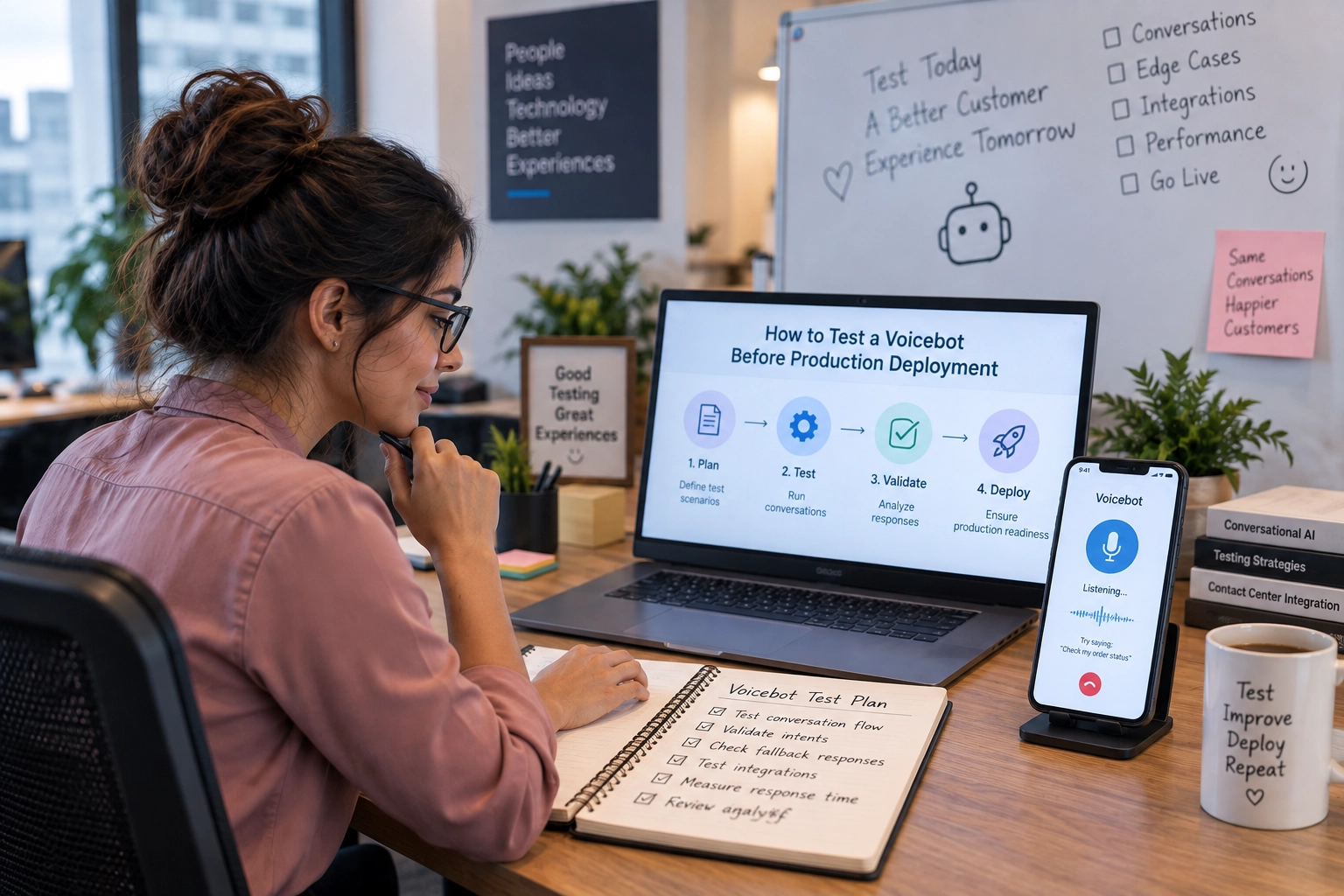
Test your voicebot across conversation quality, system integrations, failure scenarios, and agent escalation before going live. Validate speech accuracy, latency, API reliability, fallback paths, and context transfer under realistic contact center conditions.
- Test Voice and Conversation Quality
Your testing should cover how the bot performs under real call conditions, including:
- Speech recognition accuracy
- Interruptions and barge-in
- Different accents and background noise
- Response latency
- Text-to-speech quality
- Silence and unclear responses
Do not test only whether your bot gives the right answer. Check whether it understands your customer quickly enough to keep the conversation natural.
- Test Integrations and Failure Scenarios
Your voicebot also needs to behave correctly when something behind it does not. Test CRM failures, API timeouts, authentication issues, call-routing errors, and unavailable AI services.
If latency becomes an issue, your testing should also identify where you need to fix voicebot latency real-time voice AI without disrupting the conversation.
Define a fallback for each critical failure. Your customer should still reach the right destination instead of getting trapped in a broken call flow.
- Test Agent Escalation
Run complete handoff scenarios before launch. Check whether your agent receives the customer’s context, relevant data, and escalation reason when a call moves from the bot.
Also, test what happens when the transfer itself fails. A reliable fallback can matter just as much as the primary handoff path.
Production testing should prove more than whether your voicebot works; it should prove that your customer journey survives when something goes wrong.
Your voicebot is tested. Can you scale it without disrupting live calls?
How to Deploy a Voicebot in Phases?
Deploy a voicebot in phases by starting with a focused use case, limiting initial call traffic, and expanding as performance improves. The right rollout approach also considers where human support, testing, and ongoing optimization fit into each stage.
- Select the Initial Use Case
Choose a small set of high-volume, predictable requests for your initial rollout. Your first use case should be easy to measure and have a clear fallback when the bot cannot complete the task.
For a voicebot for call center deployment, this gives you a controlled environment to validate the experience before expanding automation.
- Expand Based on Results
Once your voicebot performs reliably, gradually increase call volume and add more customer intents. Track containment, task completion, escalation rates, latency, and failure patterns at each stage.
If your results reveal recurring issues, address them before expanding further. You can refine prompts, knowledge, integrations, and call flows without putting your wider operation at risk.
- Maintain Human Support
Your agents should remain part of the rollout, especially for complex or sensitive interactions. A hybrid approach gives your customers an immediate path to human support while you learn where automation works best.
A controlled rollout gives you room to learn, improve, and scale without turning every production call into a test case.
More automated calls sound good, but are they actually getting resolved?
How to Measure Voicebot Performance After Deployment
Measure your voicebot for contact center using task completion, containment, escalation, latency, call abandonment, and customer satisfaction, rather than call volume alone. For call center automation AI voice bot, these metrics show whether your bot is actually resolving customer needs and where your deployment needs improvement.
- Measure Task Completion
A successful interaction should mean more than the bot answered correctly. Track whether your voicebot actually completed the customer’s intended task.
For example, did it update an account, resolve a query, schedule an appointment, or create a support ticket?
- Track Containment and Escalation
Containment shows how many calls your voicebot handles without agent intervention. Pair it with escalation rates to understand whether customers are reaching agents because the bot genuinely needs help.
A high containment rate is not automatically good if customers are abandoning calls or requesting an agent repeatedly.
- Monitor Call Quality and Customer Experience
Track operational signals such as:
- Response latency
- Call abandonment
- Speech recognition accuracy
- Integration failures
- Customer satisfaction
Your technical metrics and customer metrics should tell the same story. If latency rises while satisfaction falls, you have a problem worth investigating.
A strong voicebot customer service experience depends on more than automation. It should help your customers reach an outcome without unnecessary friction.
- Review Performance Continuously
Your voicebot will encounter new phrases, edge cases, and failure patterns after launch. Review call data regularly to identify where your prompts, knowledge, integrations, or routing need improvement.
The right metrics help you see whether your voicebot is simply handling calls or actually resolving them.
Numbers tell you what happened, but what tells you whether your voicebot is truly production-ready?
What Should a Production-Ready Contact Center Voicebot Include?
A production-ready voicebot needs more than accurate conversations. Your deployment should support reliable telephony, system integrations, human escalation, failure handling, monitoring, and continuous optimization before you scale it across your contact center.
- Reliable Call Infrastructure
Your voicebot should connect reliably with your existing SIP, PBX, VoIP, or CCaaS environment. Call routing and media handling should remain stable under expected traffic.
- Business System Integration
Your bot should have controlled access to the CRM, knowledge base, APIs, and other systems it needs to resolve customer requests.
- Human Escalation
Your escalation path should transfer the call with the relevant customer and conversation context. Your agents should not have to reconstruct what happened before taking over.
- Failure Handling
Your deployment should define what happens when the AI, API, telephony layer, or another dependency fails. Clear fallback paths prevent a technical issue from becoming a customer dead end.
- Monitoring and Optimization
You need visibility into call quality, task completion, latency, escalations, and integration failures. Use these signals to improve your contact center voicebot as real conversations reveal new edge cases.
A production-ready voicebot is not simply one that can talk; it is one your contact center can depend on when every layer is under pressure.
Once all the pieces are in place, is your voicebot ready to handle the real thing?
Conclusion:
Is your voicebot ready for the real thing? Yes, it can handle live calls reliably, work with your existing systems, recover from failures, and escalate to agents when needed.
Ecosmob bridges your AI with your telephony, CRM, APIs, knowledge base, and enterprise workflows, creating a working pilot that can be validated in real operations before you scale.
The goal is not simply to make your voicebot talk. It is to make it work within your contact center.
Frequently Asked Questions
Deploy a voicebot by connecting it with your existing telephony, IVR, CRM, APIs, and agent workflows. Start with a focused use case, test real call scenarios, launch gradually, and monitor performance before expanding automation.
Yes, a voicebot can replace, extend, or work alongside your existing IVR. The right approach depends on your current call flows, routing requirements, automation goals, and how much of the customer journey you want the bot to manage.
A contact center voicebot may need to integrate with your PBX, SIP infrastructure, CCaaS platform, CRM, knowledge base, ticketing system, APIs, and authentication services. These connections allow the bot to access information and perform customer-service tasks.
Test your voicebot for speech recognition, interruptions, latency, accents, background noise, API failures, authentication issues, call routing, and agent escalation. Testing realistic failure scenarios helps verify that your customer journey remains reliable when individual systems fail.
A voicebot transfers calls when predefined escalation conditions are met, such as repeated misunderstandings, sensitive requests, or customer requests for assistance. The handoff should include relevant conversation context, customer information, and the reason for escalation.