










QUICK SUMMARY
⚡ At a Glance
The Challenge: Too many conferencing options, not enough clarity.
What This Covers: Side-by-side comparisons of leading platforms and custom solutions, pricing, support, performance, and trends.
Key Takeaway: Choose a communication infrastructure that matches your scale, not just your meeting needs.
“Meet face to face from any place” is the bare minimum now!
Nobody is impressed by a basic video call anymore. If your meeting freezes, echoes, drops, or makes people download three plugins just to join, you’ve already lost.
👉 Attention spans are short.
👉 Patience is shorter. And
👉 “Can you hear me?” is officially unacceptable.
Modern-day audio and video conferencing solutions aren’t just about stacking faces in squares on a screen. It’s about crystal-clear audio, zero-drama connectivity, airtight security, AI features that actually help (not just look good in marketing), and integrations that don’t feel duct-taped together.
And here’s where it gets interesting.
Some businesses just need a ready-to-go platform, sign up, schedule, share link, done.
Others?
They need control. Branding. Custom workflows. Deep telecom integration. White-label deployment. Compliance. Scalability without surprises. That’s where custom conferencing solutions enter the conversation.
So this isn’t just another “top video meeting apps” list. This is a breakdown of both:
- The most powerful video conferencing platforms dominating 2026
- And a custom-built conferencing solution, designed for companies that need more than a generic meeting room
If you’re choosing what will power your communication next year, you don’t just need popularity stats. You need clarity.
Let’s get picky.
Video Conferencing Market Size and Adoption Statistics
If you think video conferencing is “stable” now, think again. The market isn’t stopping, it’s expanding.📈
The video conferencing market size is projected to hit $41.6 billion in 2026 and grow to $65.7 billion by 2034, expanding at a steady ~5.9% CAGR. That momentum comes from businesses moving beyond basic meeting tools to advanced, secure, AI-powered real time communication platforms.
Adoption isn’t occasional anymore, 58% of companies now use video conferencing as a routine part of their workflow. It’s the default.
And it’s not limited to boardrooms. Education, government, healthcare, and large-scale virtual events all rely on stable video streaming and conferencing solutions as core infrastructure.
North America leads the market, while Europe and Asia-Pacific are rapidly accelerating.
Big market. Massive adoption.
Now, let’s talk about what actually makes a video conferencing solution or platform worth choosing.
Features to Look for in Off-the-Shelf Apps and Custom Conferencing Software Development
Not all video conferencing tools are built the same, and not all businesses need the same thing. The features you prioritize will depend on whether you’re choosing a ready-made platform or investing in custom conferencing software development.
Either way, here’s what actually matters.
✅ Audio & Video Quality – HD video, noise suppression, echo cancellation, and adaptive video streaming. If the call quality fails, everything fails.
✅ Scalability – Can it handle 20 users today and 2,000 tomorrow? SaaS apps have limits. Custom builds scale around your growth.
✅ Security & Compliance – Encryption, role-based access, secure APIs, and compliance readiness (GDPR, HIPAA for healthcare, etc.). This isn’t optional anymore.
✅ Integration Flexibility – Your conferencing tool should connect with CRMs, collaboration tools, telecom systems, and internal platforms, not operate in isolation.
✅ AI Capabilities – Live transcription, captions, summaries, smart recording. AI should improve productivity, not just decorate the interface.
✅ Branding & Customization – If brand experience matters, white-label control and UI customization become critical, something custom development handles better.
✅ Cross-Platform Access – Web, desktop, mobile, seamless experience everywhere. No unnecessary downloads. No friction.
✅ Cost vs Long-Term Control – Subscriptions are predictable. Custom development requires upfront investment but offers deeper ownership and flexibility over time.
The choice isn’t about what’s trendy. It’s about what supports your scale, security, and long-term strategy.
As of 2026, leading audio and video conferencing platforms include Zoom, Microsoft Teams, Google Meet, and Webex, while custom conferencing software development providers like Ecosmob stand out for businesses needing greater control and scalability.
Here’s where the real comparison begins: the best video conferencing solutions and platforms defining 2026.
People face-to-face, is that really all your conferencing solution should do?
Best Audio and Video Conferencing Solutions and Platforms in 2026
Choosing the right fit has never been as simple as picking a ringtone. With dozens of platforms promising seamless meetings and smarter collaboration, the real challenge isn’t finding options, but knowing which one actually aligns with your business goals.
This section breaks down the leading video conferencing platforms and custom solutions of 2026 across key decision factors like affordability, customer satisfaction, support quality, and overall performance.
So decide whether you need a plug-and-play tool for quick deployment or a scalable, custom-built solution for long-term growth
Because the best conferencing setup isn’t the most popular one, it’s the one built for how your business actually operates.
1. Best Suited for
This table helps you quickly identify which platform aligns best with your specific business use case, from enterprise-grade customization to webinar-heavy workflows.
| Platform | Best suited for | Why does it stand out? |
| Ecosmob (custom solution) | Enterprises needing white-label & telecom-grade integration | Fully customizable, scalable, and deep integration flexibility |
| Zoom | Large meetings & webinars | Stable, widely adopted, easy onboarding |
| Microsoft Teams | Enterprise collaboration | Strong Microsoft 365 integration |
| Google Meet | Workspace users | Browser-first simplicity |
| Cisco Webex | Secure enterprise environments | Advanced security controls |
| Zoho Meeting | SMBs | Budget-friendly and simple |
| GoToMeeting | Remote teams | Reliable core features |
| RingCentral Video | Unified communications users | Messaging and video combo |
| ClickMeeting | Webinars & training | Engagement-focused features |
| SpatialChat | Virtual events | Immersive interaction model |
Different tools shine in different environments. Some real time communication platforms are built for massive scale, others prioritize simplicity, and some are designed for full control and customization.
The key takeaway? Match the platform to your operational complexity, not just your meeting size.
2. Cost Comparison
This breakdown shows how each platform positions itself in terms of pricing and investment levels, helping you gauge which fits your budget strategy and long-term plans.
| Platform | Cost Comparison | Investment Tar | Rating |
| Zoho Meeting | Entry-level SaaS pricing suitable for small teams. | Entry 💵 | ⭐ 4.8 |
| Ecosmob (Custom Solution) | Custom-built conferencing software development tailored for scalability and long-term control. | Strategic 🚀 | ⭐ 4.7 |
| Google Meet | Bundled with Workspace plans for flexible scaling. | Standard 🔄 | ⭐ 4.5 |
| Zoom | Tiered pricing with scalable meeting add-ons. | Standard 🔄 | ⭐ 4.4 |
| Microsoft Teams | Included within Microsoft 365 ecosystem. | Standard 🔄 | ⭐ 4.3 |
| RingCentral | Webinar-focused subscription pricing. | Standard 🔄 | ⭐ 4.2 |
| ClickMeeting | UCaaS bundled communication pricing. | Standard 🔄 | ⭐ 4.2 |
| GoToMeeting | Business-tier subscription plans. | Standard 🔄 | ⭐ 4.1 |
| Cisco Webex | Enterprise-grade platform with premium capabilities. | Premium 💎 | ⭐ 4.0 |
| SpatialChat | Event-based pricing for immersive experiences. | Specialized 🎯 | ⭐ 4.0 |
Pricing alone doesn’t tell the full story. Entry-tier platforms reduce upfront spend, while strategic and enterprise investments focus on control, scalability, and long-term flexibility.
What looks affordable today may not scale tomorrow…..
3. Customer Satisfaction
Here’s how these platforms perform where it really matters, real-world user satisfaction and the quality of support behind the product.
| Platform | Customer Support | Customer Satisfaction Rating |
| Ecosmob (Custom Solution) | Highly rated by enterprises for tailored deployment and performance stability. | Excellent ⭐ |
| Zoom | Widely trusted for reliability and ease of use across industries. | Excellent ⭐ |
| Microsoft Teams | Strong adoption within enterprise ecosystems. | Very Good 👍 |
| Cisco Webex | Appreciated for security and enterprise-grade reliability. | Very Good 👍 |
| Google Meet | Known for simplicity and accessibility. | Very Good 👍 |
| RingCentral Video | Valued for unified communication integration. | Good 🔄 |
| Zoho Meeting | Positive feedback among budget-conscious users. | Good 🔄 |
| ClickMeeting | Favored for webinar functionality. | Good 🔄 |
| GoToMeeting | Consistent performance for business users. | Good 🔄 |
| SpatialChat | Engaging but niche adoption base. | Moderate 🎯 |
Video conferencing solutions adoption numbers matter, but so does what happens when something breaks. Strong satisfaction and dependable support often separate everyday tools from mission-critical infrastructure.
4. Overall Performance Rating
This summary combines performance, reliability, support, and value to give you a high-level snapshot of how each platform stacks up overall.
| Platform | Performance Summary | Overall Rating |
| Ecosmob (Custom Solution) | High scalability, enterprise-grade flexibility, and strong support positioning. | ⭐ 4.7 |
| Zoom | Strong balance of usability, reliability, and global adoption. | ⭐ 4.6 |
| Microsoft Teams | Deep ecosystem integration with enterprise stability. | ⭐ 4.5 |
| Cisco Webex | Secure, enterprise-focused platform with premium capabilities. | ⭐ 4.5 |
| Google Meet | Accessible and dependable for workspace-driven teams. | ⭐ 4.4 |
| RingCentral Video | Solid unified communications integration with stable performance. | ⭐ 4.3 |
| Zoho Meeting | Cost-effective option for small teams with reliable core features. | ⭐ 4.3 |
| ClickMeeting | Effective for webinar-focused use cases. | ⭐ 4.2 |
| GoToMeeting | Reliable for business meetings with consistent performance. | ⭐ 4.1 |
| SpatialChat | Engaging immersive format suited for niche scenarios. | ⭐ 4.0 |
Overall performance reflects balance, usability, reliability, scalability, and support combined. The strongest contenders aren’t just feature-rich; they consistently deliver across business scenarios.
5. Based on Pros & Cons
A straight-to-the-point look at the practical strengths and limitations of each platform, so you can weigh trade-offs before making a decision.
| Platform | Pros | Cons |
| Ecosmob | Full customization, white-label, telecom integration | Requires implementation planning |
| Zoom | Easy onboarding, strong webinar support | Add-ons increase cost |
| Microsoft Teams | Deep collaboration tools | Can feel heavy for simple meetings |
| Google Meet | No-install simplicity | Fewer advanced controls |
| Cisco Webex | Strong security | Higher enterprise pricing |
| Zoho Meeting | Affordable | Limited advanced customization |
| GoToMeeting | Reliable | UI not as modern |
| RingCentral | UC integration | Pricing structure complexity |
| ClickMeeting | Great for events | Not ideal for daily calls |
| SpatialChat | Immersive | Not built for enterprise scale |
None of the real-time communication platforms is flawless. Every option trades simplicity for control, affordability for scalability, or flexibility for ease of use. The real decision comes down to which compromises your business can afford, and which it can’t.
1. Ecosmob (Custom-Built Video Conferencing Solution)
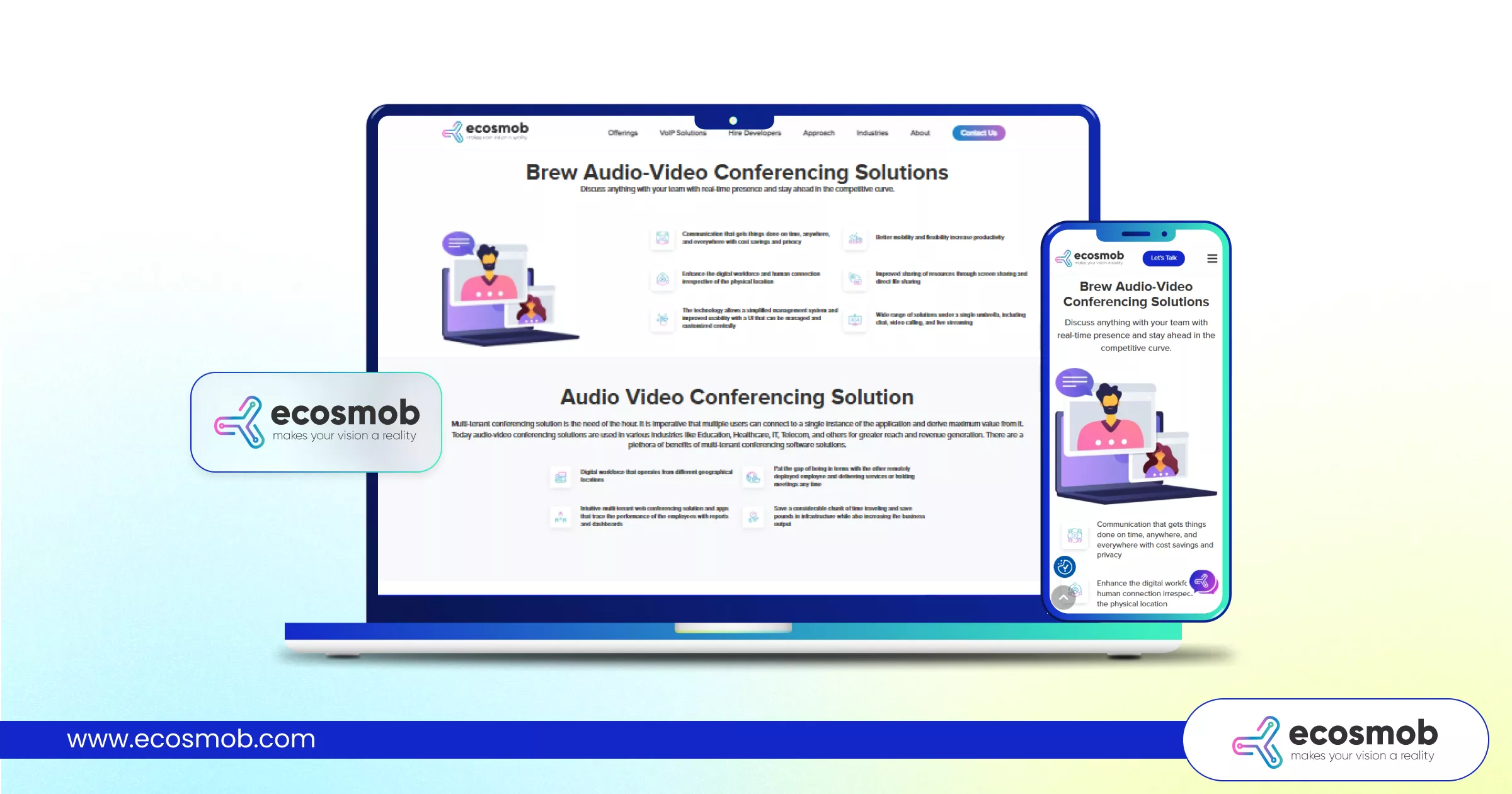 Ecosmob has positioned itself as a trusted provider of custom-built audio and video conferencing solutions for enterprises that need more than a plug-and-play meeting tool. With strong expertise in conferencing software development, the company delivers scalable, white-label platforms tailored for telecom operators, enterprises, and businesses requiring deep integration and infrastructure control.
| Company’s Name | Ecosmob Technologies |
| Headquarters | Ahmedabad, India |
| Inception Year | 2007 |
| Official Website | https://www.ecosmob.com/ |
Key Features and Highlights
✅ Fully customizable conferencing software development
✅ White-label deployment with branding control
✅ WebRTC & SIP integration capabilities
✅ Scalable cloud infrastructure
✅ Advanced security and encryption
✅ Dedicated technical support & implementation assistance
Is your conferencing platform working for you, or are you working around it?
2. Zoom
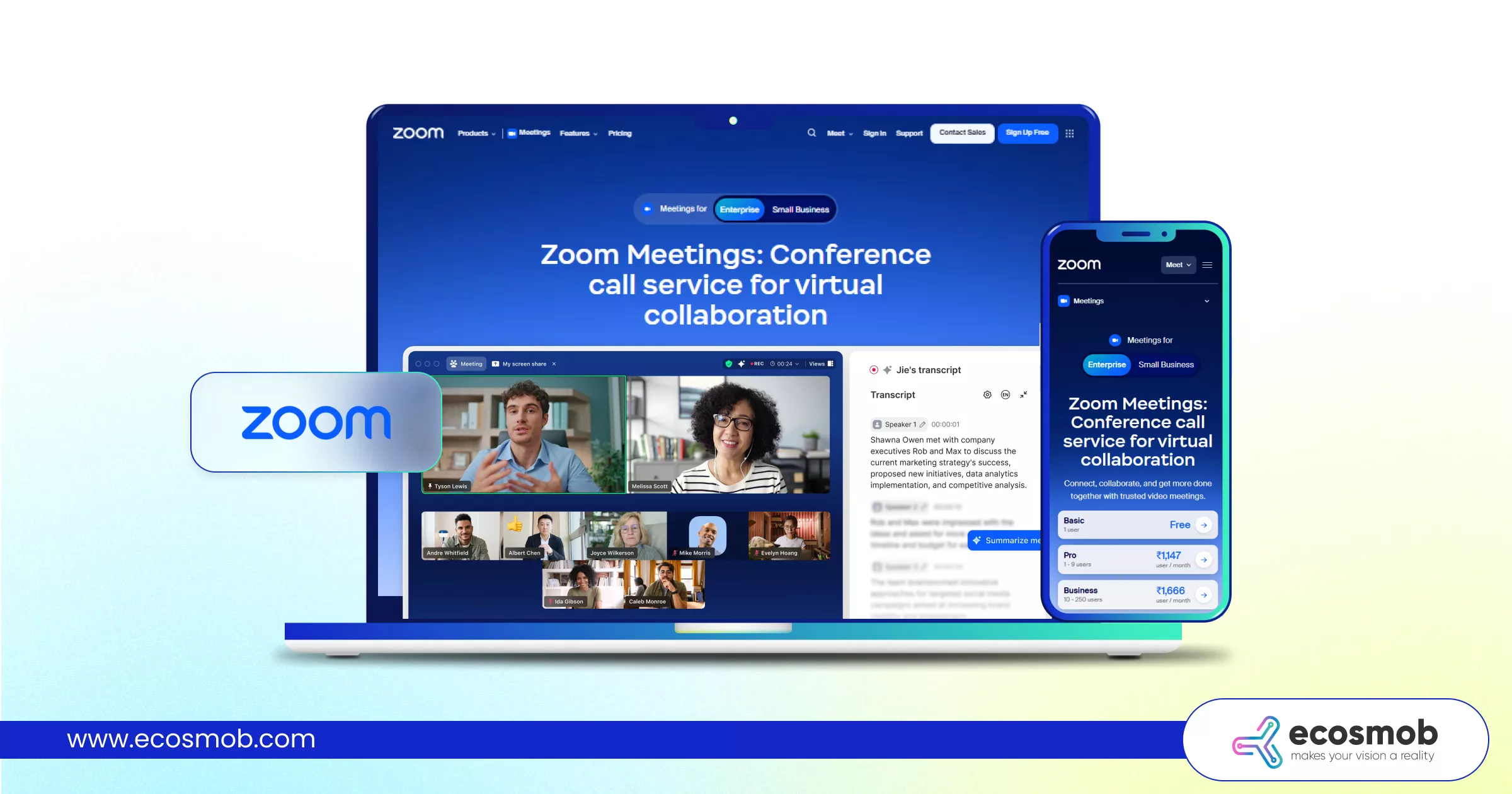 Zoom has become one of the most widely adopted audio and video conferencing solutions globally, known for its reliability and ease of use. From small team meetings to large-scale webinars, Zoom remains a go-to platform for businesses seeking stable virtual collaboration.
| Company’s Name | Zoom |
| Headquarters | San Jose, California, USA |
| Inception Year | 2011 |
| Official Website | https://www.zoom.com/ |
Key Features and Highlights
✅ HD video meetings & webinars
✅ Breakout rooms & screen sharing
✅ Extensive third-party integrations
✅ Large participant capacity
✅ Easy onboarding experience
3. Microsoft Teams
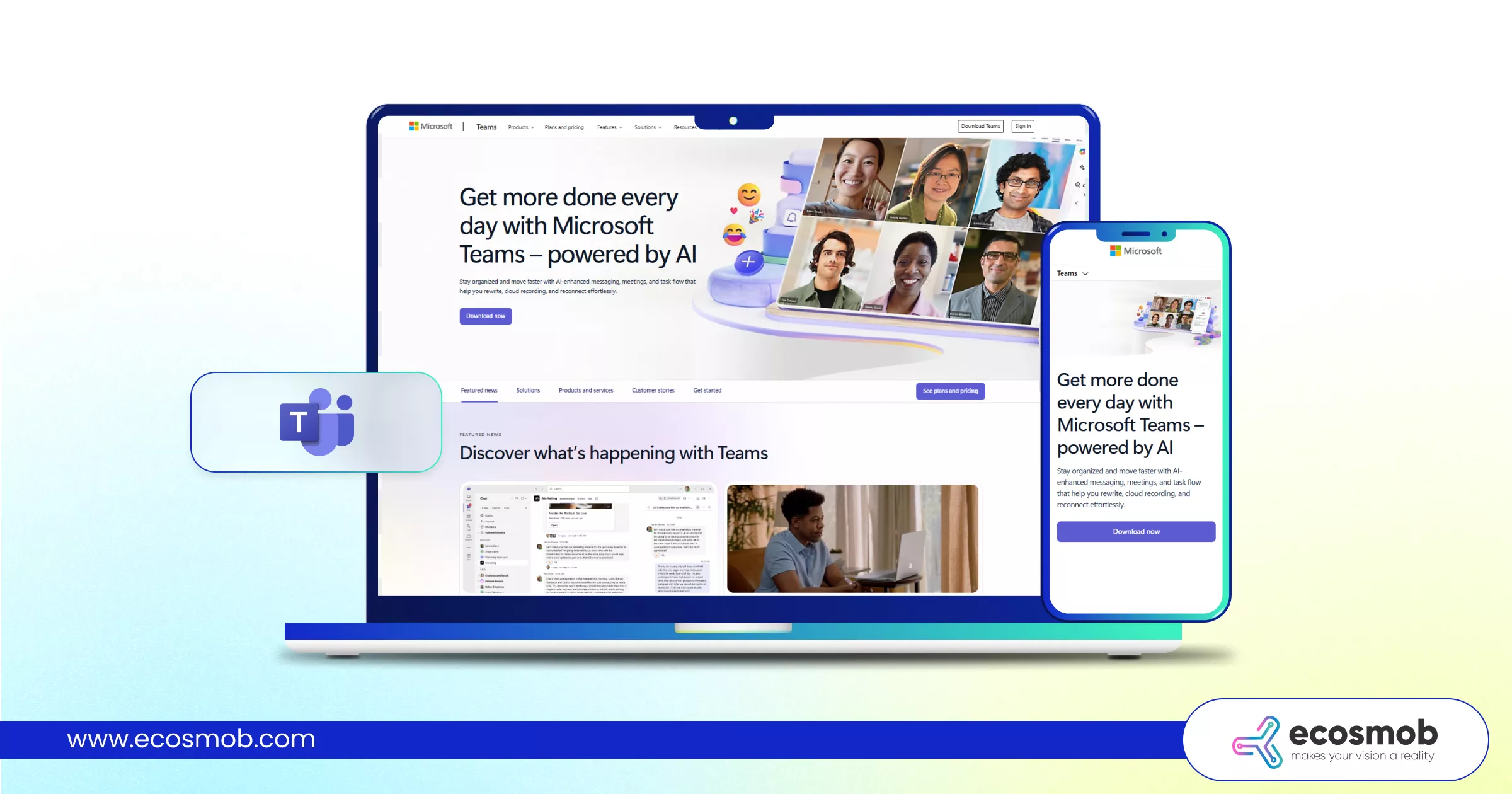 Microsoft Teams combines conferencing with enterprise collaboration, positioning itself as more than just a meeting tool. Deeply integrated with Microsoft 365, it functions as a full team communication platform for organizations already operating in the Microsoft ecosystem.
| Company’s Name | Microsoft Corporation |
| Headquarters | Redmond, Washington, USA |
| Inception Year | 1975 |
| Official Website | https://www.microsoft.com/en-in |
Key Features and Highlights
Integrated with Microsoft 365
✅ Chat, file sharing, and meeting capabilities
✅ Enterprise-grade security
✅ Webinar and live event support
✅ Scalable for large organizations
4. Google Meet
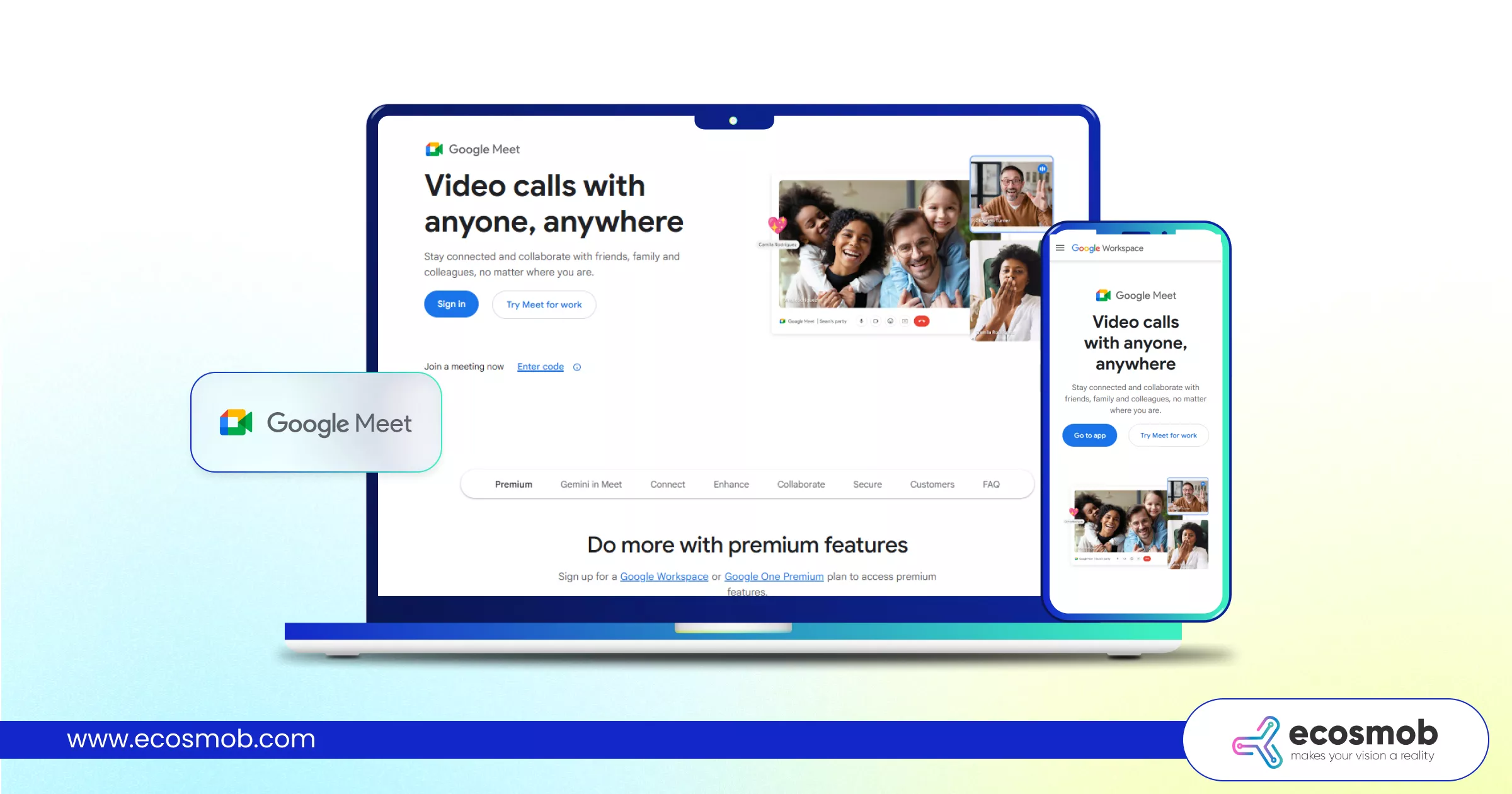 Google Meet delivers browser-based video conferencing designed for simplicity and accessibility. Built into Google Workspace, it offers seamless scheduling and quick access without heavy installations.
| Company’s Name | Google LLC |
| Headquarters | Mountain View, Californi, USA |
| Inception Year | 1998 |
| Official Website | https://www.google.com/ |
Key Features and Highlights
✅ Browser-first meeting access
✅ Integration with Google Workspace
✅ Live captions & AI noise cancellation
✅ Secure cloud-based meetings
✅ Easy cross-device compatibility
5. Cisco Webex
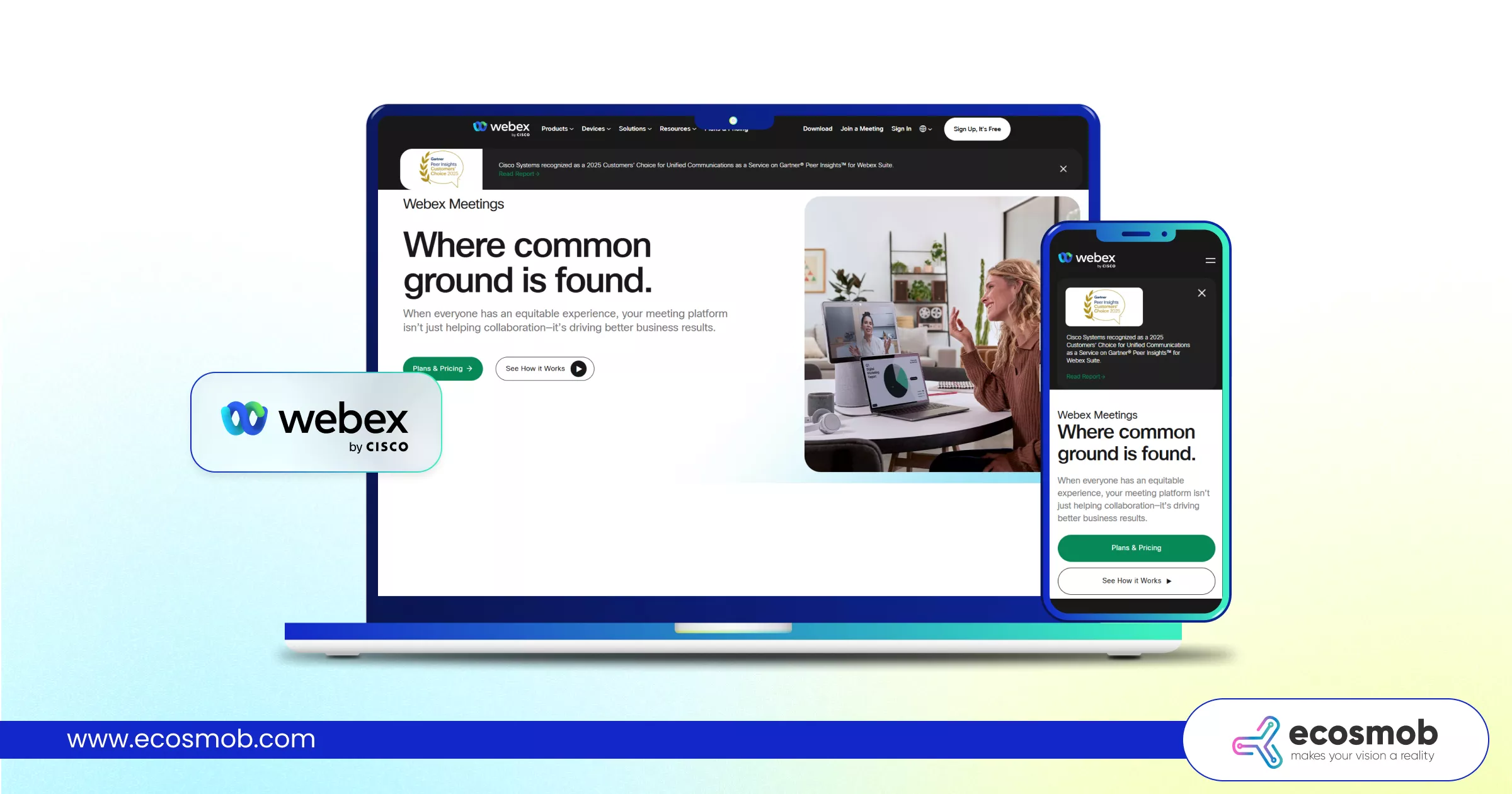 Cisco Webex is known for its enterprise-grade reliability and strong security framework. It caters to organizations that prioritize compliance, encryption, and high-performance communication.
| Company’s Name | Cisco Systems |
| Headquarters | San Jose, California, USA |
| Inception Year | 1984 |
| Official Website | https://www.cisco.com/site/in/en/index.html |
Key Features and Highlights
✅ Advanced encryption & compliance tools
✅ AI-powered meeting insights
✅ Webinar and event capabilities
✅ Enterprise-level scalability
✅ Hybrid work support
6. Zoho Meeting
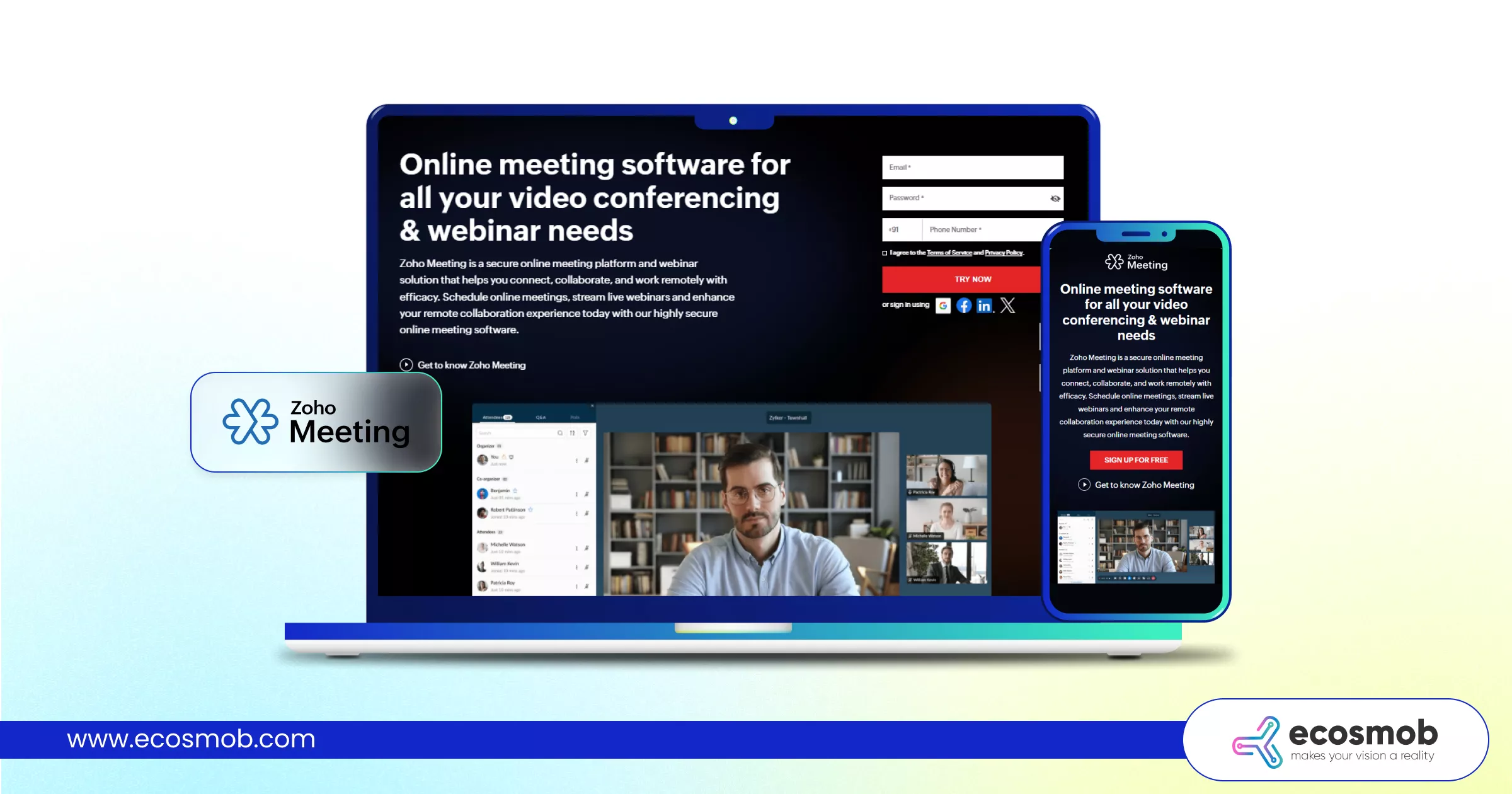 Zoho Meeting offers a cost-effective entry point into audio and video conferencing solutions, especially for startups and SMBs seeking straightforward virtual collaboration.
| Company’s Name | Zoho Corporation |
| Headquarters | Chennai, India |
| Inception Year | 1996 |
| Official Website | https://www.zoho.com/aboutus.html |
Key Features and Highlights
✅ Budget-friendly subscription tiers
✅ Webinar hosting capabilities
✅ Integration with Zoho ecosystem
✅ Screen sharing & recording
✅ Simple user interface
7. GoToMeeting
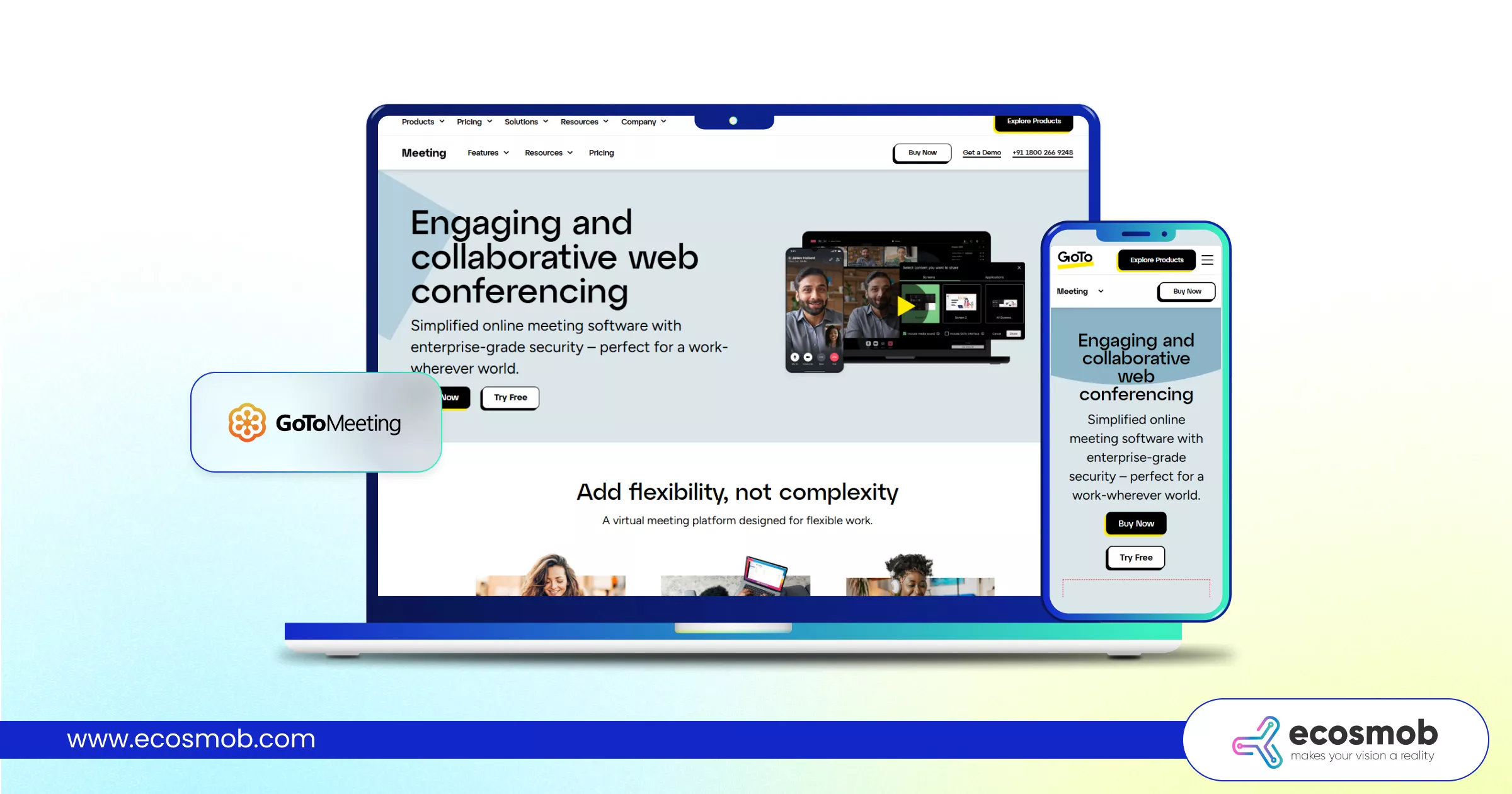 GoToMeeting focuses on dependable virtual meetings for distributed teams. Known for its reliability, it supports businesses looking for stable remote communication without excessive complexity.
| Company’s Name | GoTo Technologies |
| Headquarters | Boston, Massachusetts, USA |
| Inception Year | 2003 |
| Official Website | https://www.goto.com/meeting |
Key Features and Highlights
✅ Business-grade video meetings
✅ Screen sharing & meeting recording
✅ Mobile accessibility
✅ Global dial-in options
✅ Secure meeting controls
8. RingCentral Video
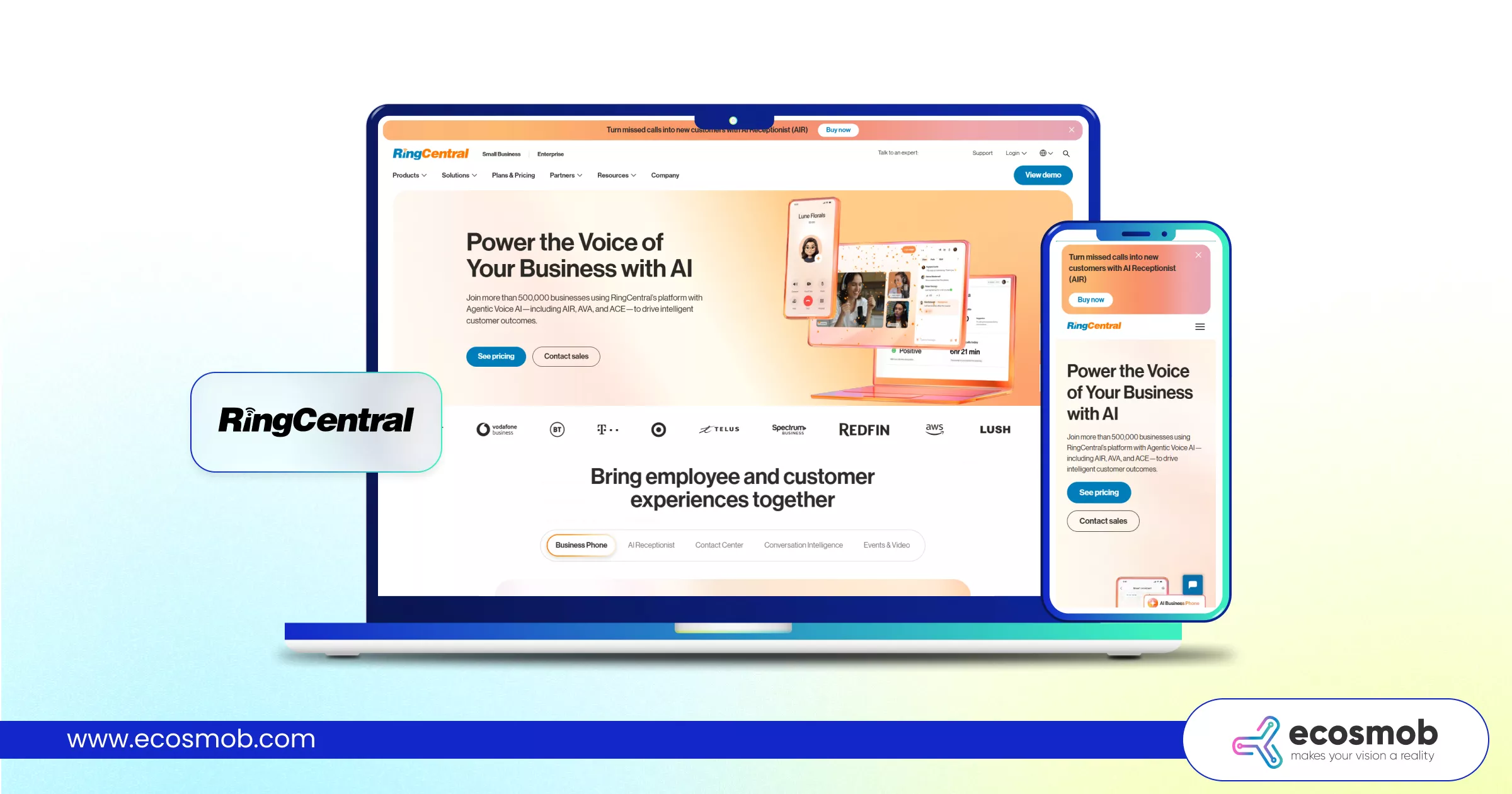 RingCentral Video operates within a broader unified communications ecosystem, blending video conferencing with messaging and calling features for businesses that want an integrated communication suite.
| Company’s Name | RingCentral Inc. |
| Headquarters | Belmont, California, USA |
| Inception Year | 1999 |
| Official Website | https://www.ringcentral.com/ |
Key Features and Highlights
✅ Integrated messaging and video
✅ Cloud-based communication suite
✅ Scalable business plans
✅ Secure meeting environment
✅ Strong UCaaS positioning
9. ClickMeeting
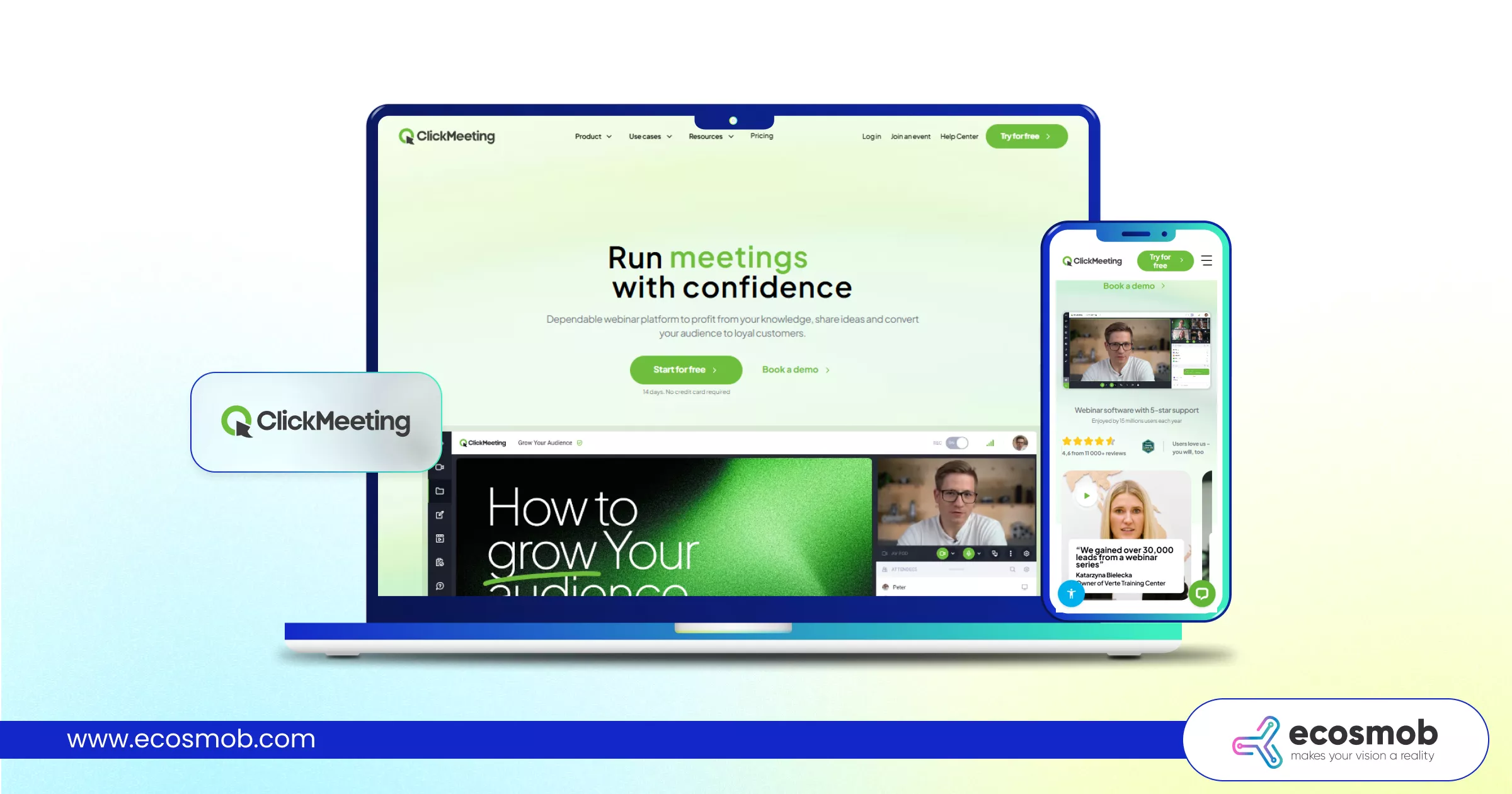 ClickMeeting is designed primarily for webinars, training sessions, and online events. Its engagement-focused tools make it suitable for organizations hosting large virtual sessions.
| Company’s Name | ClickMeeting |
| Headquarters | Gdansk, Poland |
| Inception Year | 2011 |
| Official Website | https://clickmeeting.com/ |
Key Features and Highlights
✅ Webinar automation tools
✅ Audience engagement features
✅ Custom branding options
✅ Polls & live chat integration
✅ Event analytics tracking
10. Spatial Chat
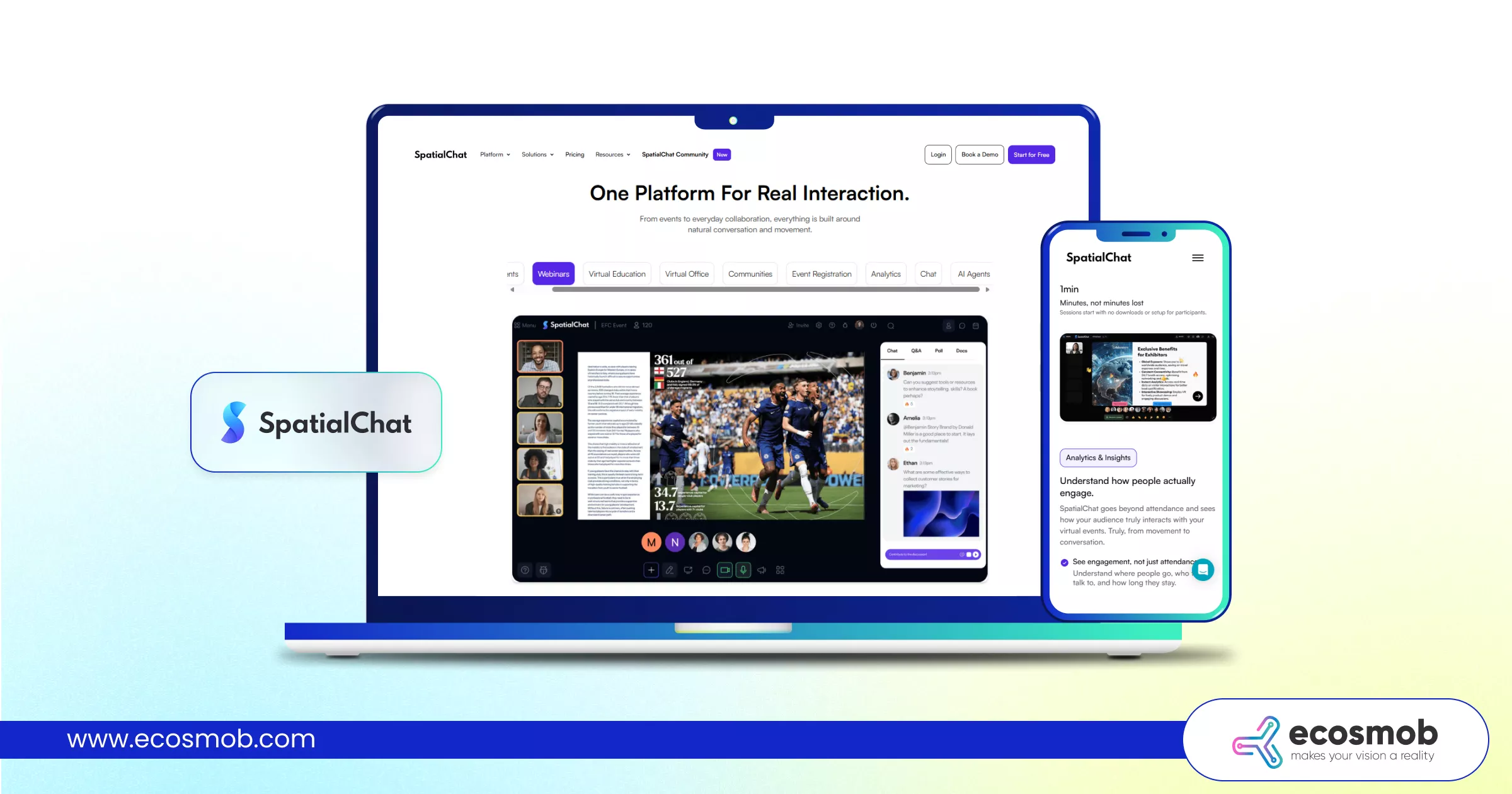 SpatialChat offers an immersive meeting environment designed for interactive virtual events. It focuses on proximity-based communication and dynamic engagement rather than traditional grid layouts.
| Company’s Name | SpatialChat |
| Headquarters | San Francisco, California, USA |
| Inception Year | 2020 |
| Official Website | https://spatial.chat/ |
Key Features and Highlights
✅ Immersive virtual event spaces
✅ Spatial audio technology
✅ Interactive layouts
✅ Browser-based accessibility
✅ Suitable for networking events
Now that you’ve seen the leading platforms and solutions, let’s explore the top 3 emerging trends shaping the future of audio and video conferencing solutions in 2026.
If your meetings drive revenue, why run them on rented infrastructure?
Top 3 Latest Emerging Trends in audio and video conferencing Solutions
Video streaming in 2026 is less about “better video” and more about smarter systems. Here are the three trends shaping the future of audio and video conferencing solutions.
1️⃣ AI Productivity
Real-time transcription, automated summaries, live captions, and smart noise suppression are now baseline expectations. Meetings are becoming searchable, structured, and integrated into broader workflows, especially when paired with voice bots and analytics tools.
2️⃣ Custom & Integration-First Infrastructure
More businesses are moving toward custom conferencing software development to gain branding control, deeper SIP/WebRTC integration, CRM and VoIP integration, and telecom-grade scalability. For companies already using VoIP or unified communications solutions, a custom build ensures everything works as one system, not separate tools stitched together.
3️⃣ Immersive Hybrid Experiences
Interactive whiteboards, spatial audio, and event-style layouts are redefining engagement. Modern real-time communication platforms now prioritize stable video streaming, low latency, and seamless cross-device collaboration.
The platforms that win next won’t just host meetings, they’ll quietly power how businesses communicate, collaborate, and scale.
The Bottom Line?
The audio and video conferencing space is crowded, and let’s be honest, almost every platform claims to be “seamless” and “secure.” Some prioritize affordability. Others lean into enterprise-grade security. A few focus on collaboration ecosystems. But when it comes to serious performance and long-term scalability, a handful clearly stand out: Ecosmob (Custom Solution), Zoom, and Microsoft Teams.
Why Ecosmob Stands Out?
If you’re not just hosting meetings but building communication infrastructure, Ecosmob deserves attention.
Here’s why:
Built for Ownership – Not just a meeting tool, but a fully customizable conferencing software development approach tailored to your business model.
Scalable Architecture – Designed to grow with telecom operators, enterprises, and product companies without platform limitations.
Deep Integration Capability – Seamlessly aligns with VoIP, SIP, WebRTC, CRM systems, and unified communications environments.
White-Label Control – Your brand. Your workflows. Your rules. No generic meeting experience.
Other Strong Contenders
Zoom – The reliability leader. Easy onboarding, strong webinar features, and global adoption make it a safe and powerful choice.
Microsoft Teams – The ecosystem powerhouse. If your organization lives inside Microsoft 365, Teams delivers tightly integrated collaboration and communication.
So,
If you just need a meeting link, many platforms will do the job.
But if you’re building scalable, secure, and integration-ready audio and video conferencing solutions that support long-term business growth, a custom approach makes a different kind of impact.
Ready to move beyond basic meetings? That’s where the right infrastructure begins.
FAQs
What is the difference between a video conferencing platform and a custom conferencing solution?
A video conferencing platform is typically a ready-to-use SaaS product with predefined features and subscription pricing. A custom conferencing solution, on the other hand, is built through conferencing software development and tailored to specific business needs, offering deeper integrations, branding control, and scalable infrastructure.
Which is better: off-the-shelf conferencing apps or custom-built solutions?
It depends on your business model. Off-the-shelf apps are ideal for quick deployment and standard team meetings. Custom audio and video conferencing solutions are better suited for enterprises, telecom operators, and SaaS providers that require white-label deployment, compliance control, and system-level integration.
Are custom conferencing solutions more expensive than SaaS platforms?
Custom solutions typically require a higher upfront investment compared to SaaS subscriptions. However, they often provide long-term cost efficiency, infrastructure ownership, and greater flexibility, especially for businesses operating at scale.
How Do Conferencing Solutions Handle Security and End-to-End Encryption?
Modern conferencing solutions use end-to-end encryption, secure data transmission (TLS/SRTP), meeting passwords, waiting rooms, and role-based access controls to protect communications. Enterprise-grade platforms also support compliance standards, SSO, multi-factor authentication, and detailed audit logs. With custom conferencing software development, businesses can define their own security architecture and data governance policies.
How Do Conferencing Solutions Integrate with Existing UC Platforms?
Most audio and video conferencing solutions integrate with existing UC platforms through APIs, SIP/WebRTC connectivity, and native integrations. This enables seamless transitions from chat to video, centralized user management, shared analytics, and unified administration, ensuring all real-time communication platforms work as one connected system.